Protection sessions
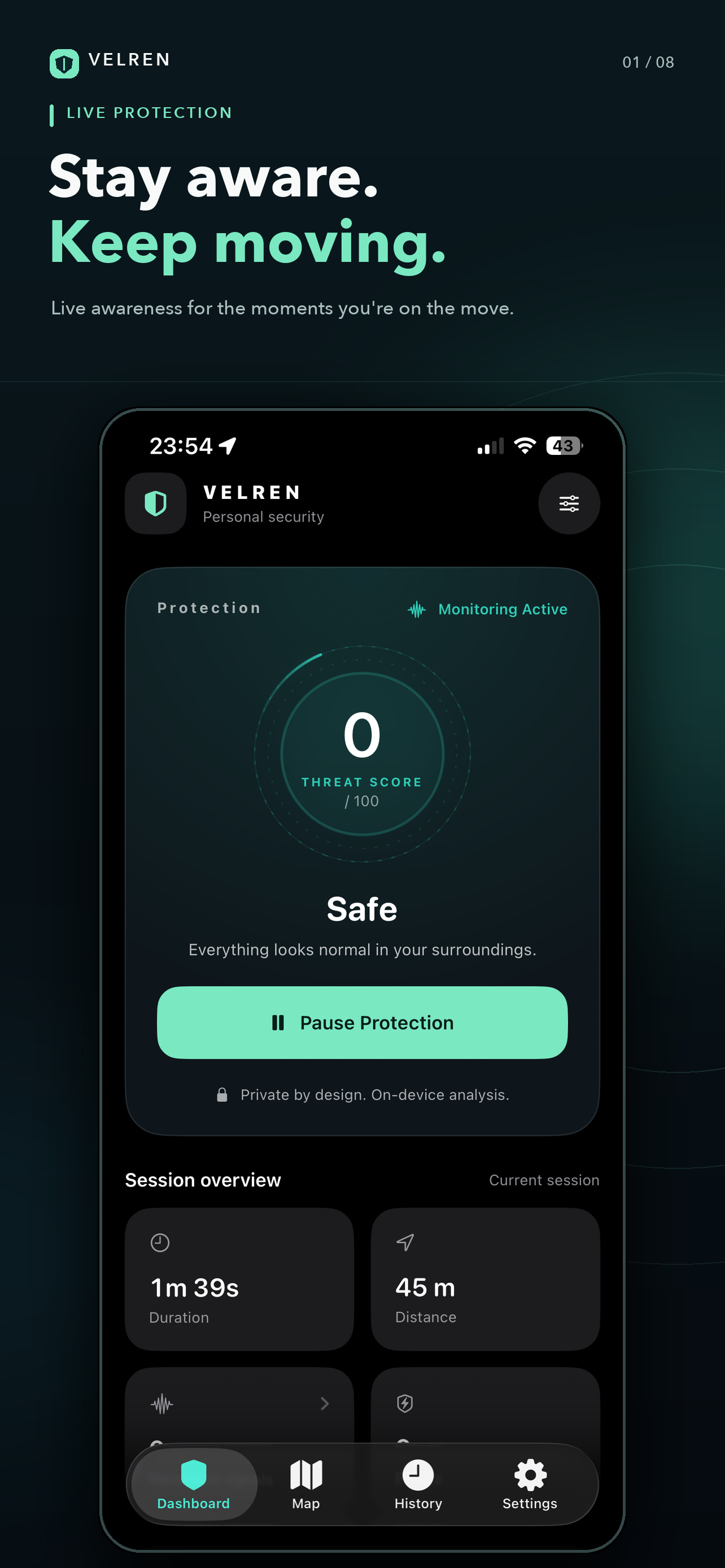
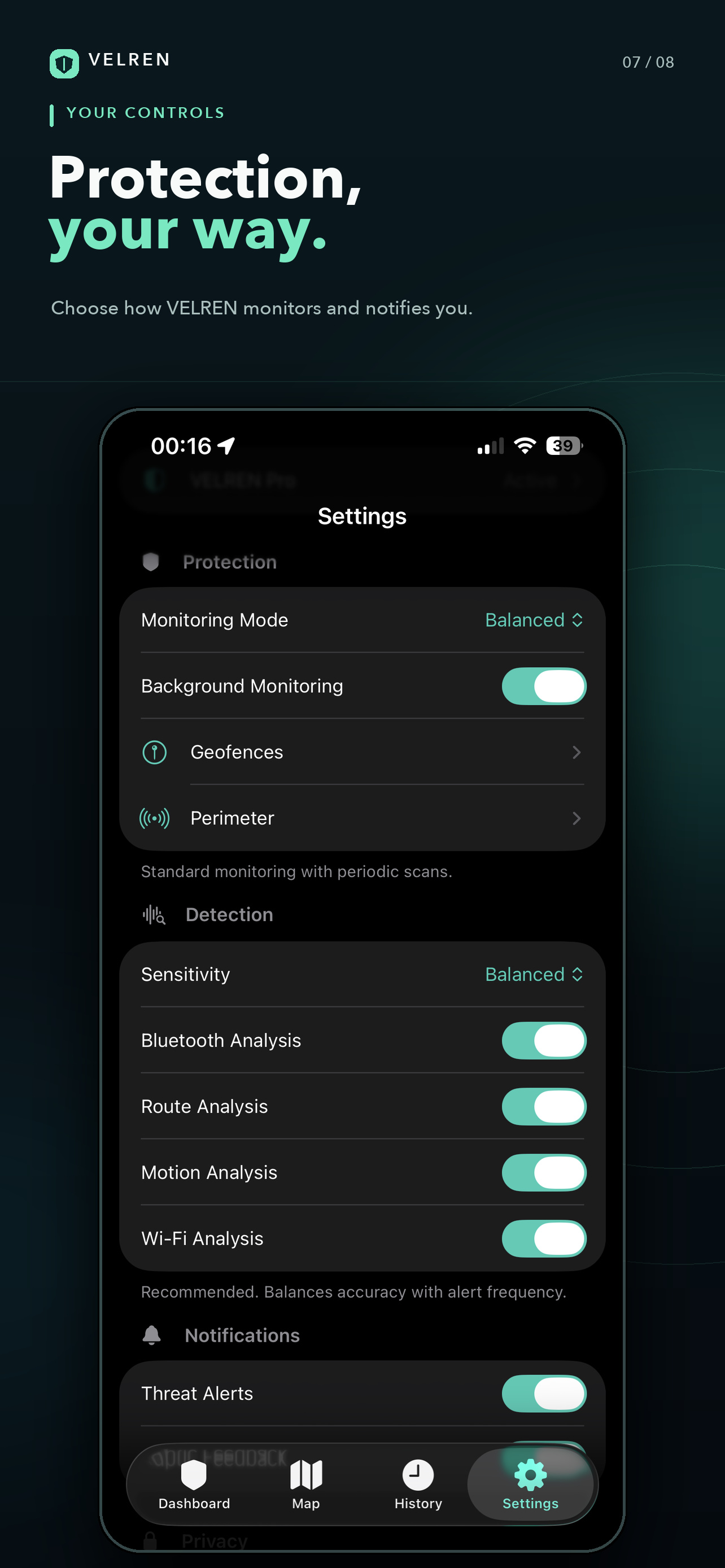
A session is the stretch of time VELREN is actually watching. Monitoring modes run from Passive through Balanced and Active to High Alert — you choose how often it looks and what that costs in battery.
Sensitivity
Kept separate from the mode, because it answers a different question: where the line for an alert should sit.
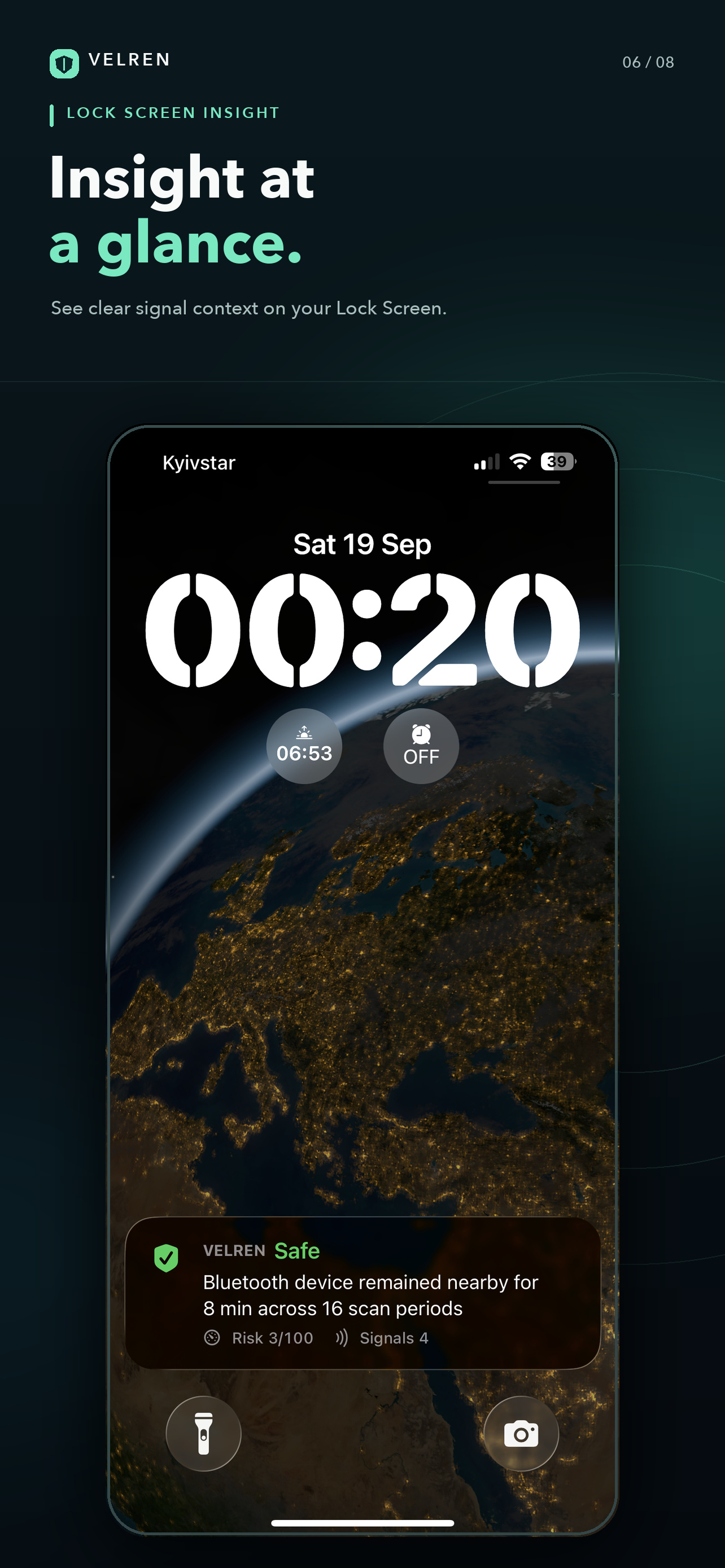
Live Activity and Lock Screen
The state of a session stays visible on the Lock Screen, so you can check it without opening the app.
Journey history and timeline
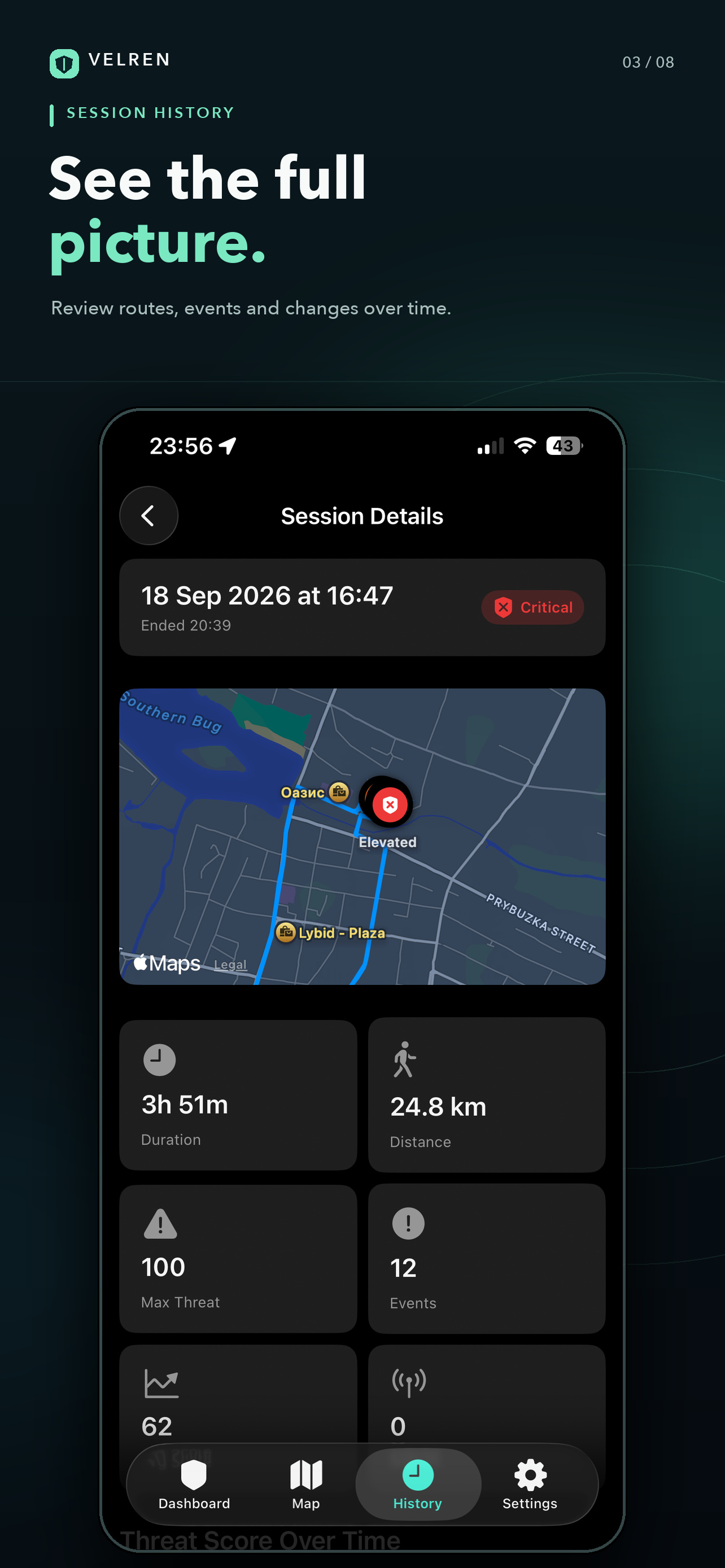
The route, the events and every signal of a session, kept afterwards. History can be searched, and signals compared between one session and another.
Geofences
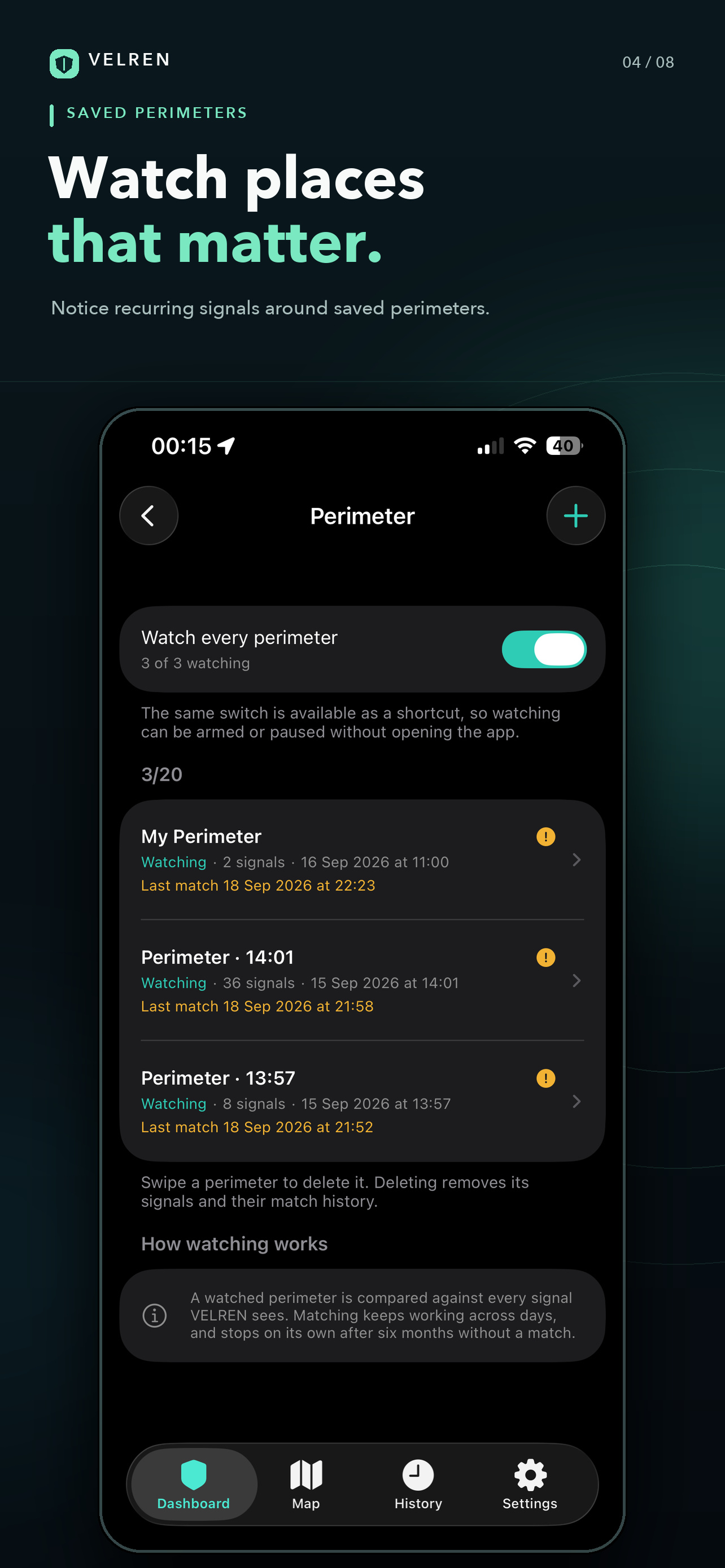
Zones you draw yourself: alerting where something should be raised, safe where the room should quieten, monitored where VELREN should simply look more often.
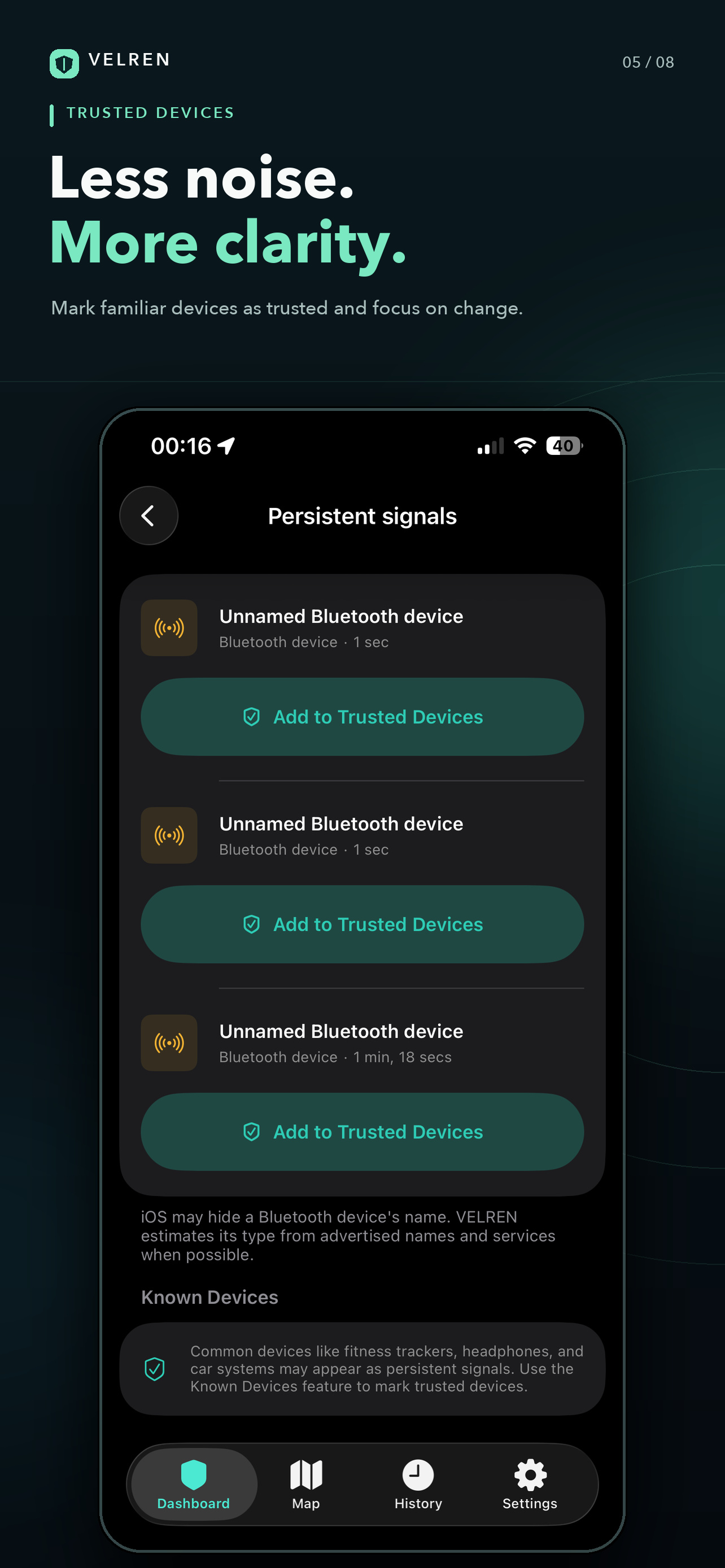
Trusted devices and Wi-Fi
A list for the familiar, so that what belongs in your life stops making noise in the app.
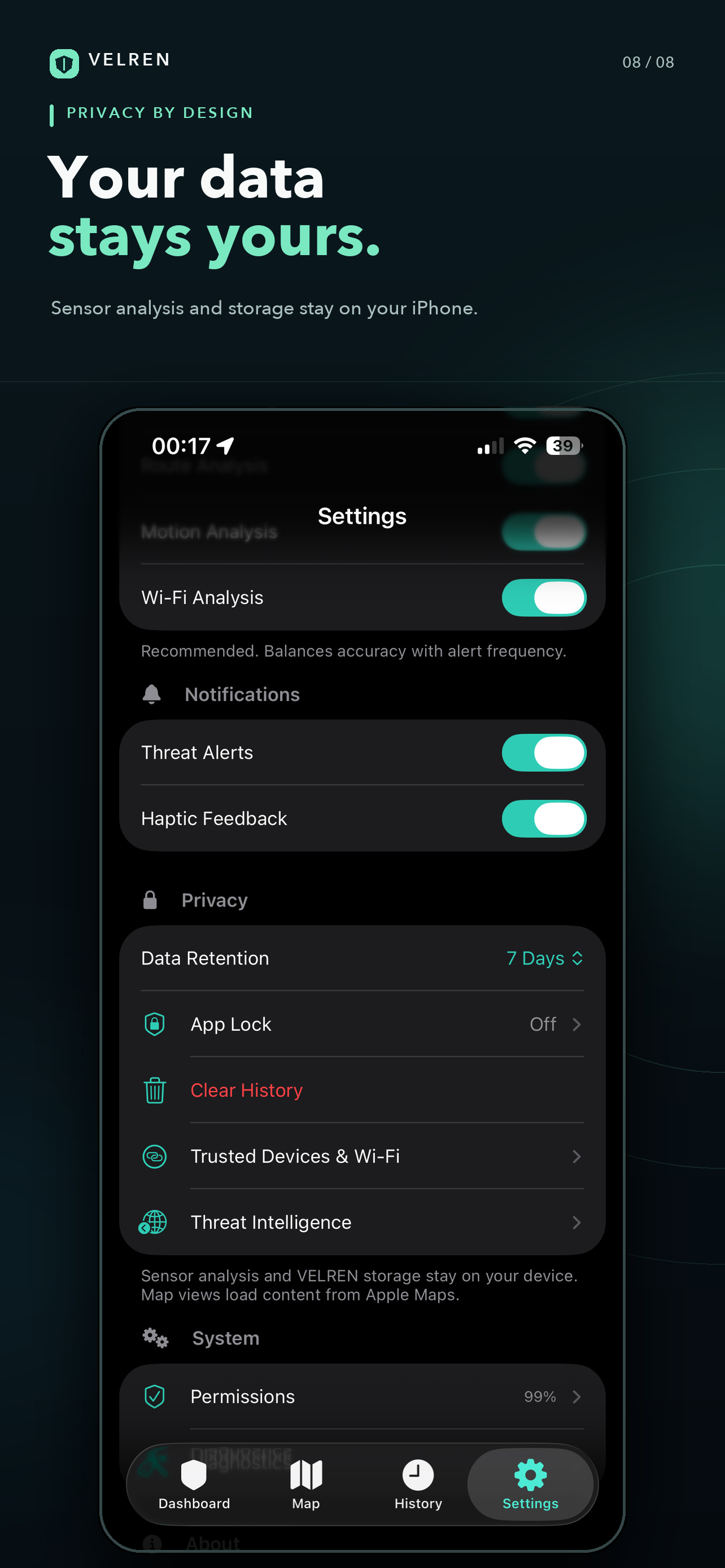
App Lock
A PIN and Face ID on the door of the app itself.
Incident export and import
A report coarse enough to hand to someone, and someone else’s report that stays on your device once you take it in.
iPad
A layout built for the larger screen rather than a phone screen stretched across it.
Onboarding and permissions
Each permission is asked for at the moment it is genuinely needed, and a single page shows how ready your protection is, as a percentage.
12 interface languages
English, Ukrainian, Russian, Spanish, Portuguese, German, French, Italian, Dutch, Japanese, Korean and Simplified Chinese.