
A convincing message
A request to act now. Read the signs of pressure, impersonation and suspicious links before you respond.
Phishing AnalyzerSecurity tools for iPhone and iPad
A link. A message. Unfamiliar Wi-Fi. Check the details, see what changed, and understand what deserves your attention before you take the next step.
A request to act now. Read the signs of pressure, impersonation and suspicious links before you respond.
Phishing AnalyzerOne character can change the destination. Look at the domain and redirects before opening it.
URL ScannerBefore signing in, review your connection and compare it with a state you trust.
Network Inspector01 / The whole picture
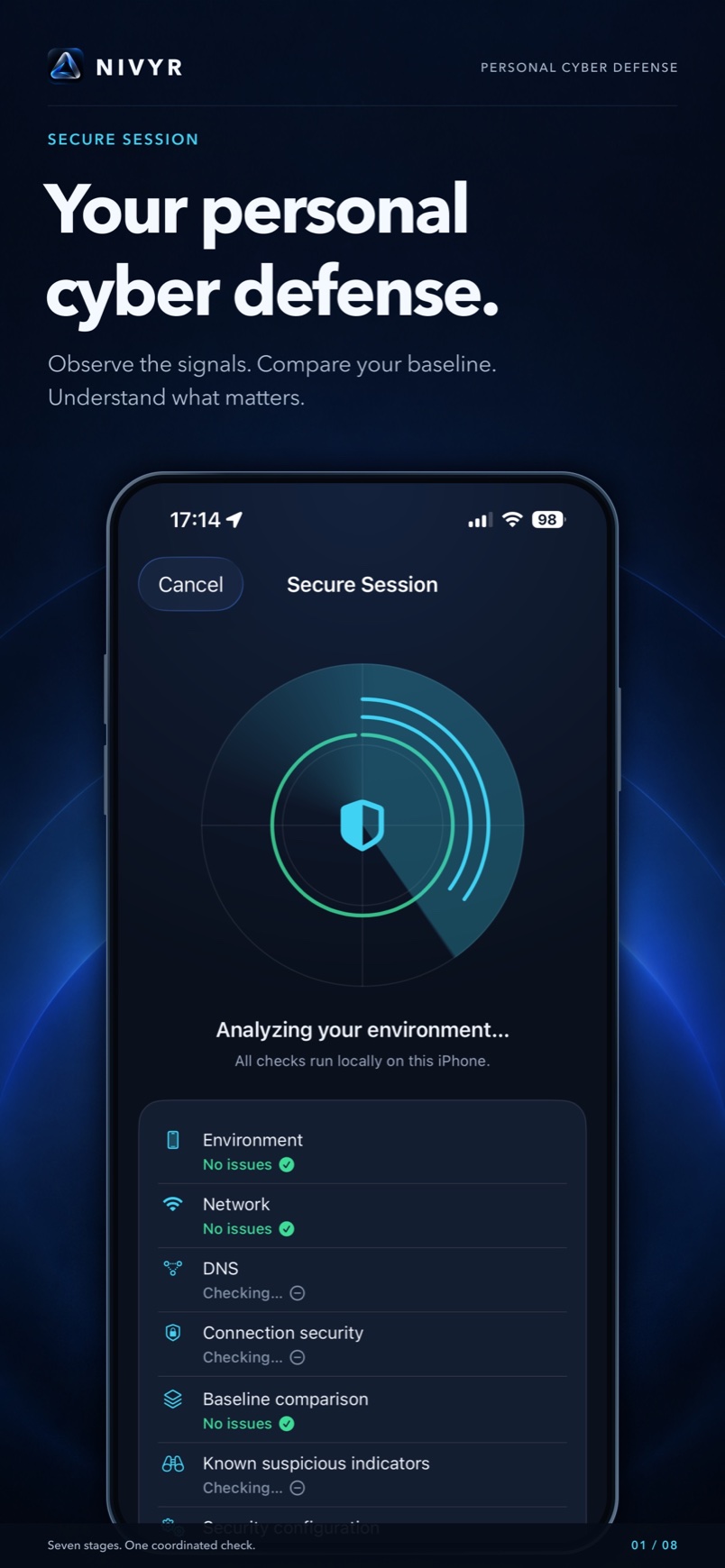
A Secure Session brings seven areas into one report. See each finding, its severity and confidence, and a practical next step. Unavailable or unfinished checks are marked explicitly.
0–100 is a guide to reading the findings, not a probability of compromise or a guarantee of safety.
The network differs from your saved baseline.
You may have joined a new network. A change alone does not establish an attack.
Confirm the network with its owner before using it for a sensitive action.
02 / A reference you choose
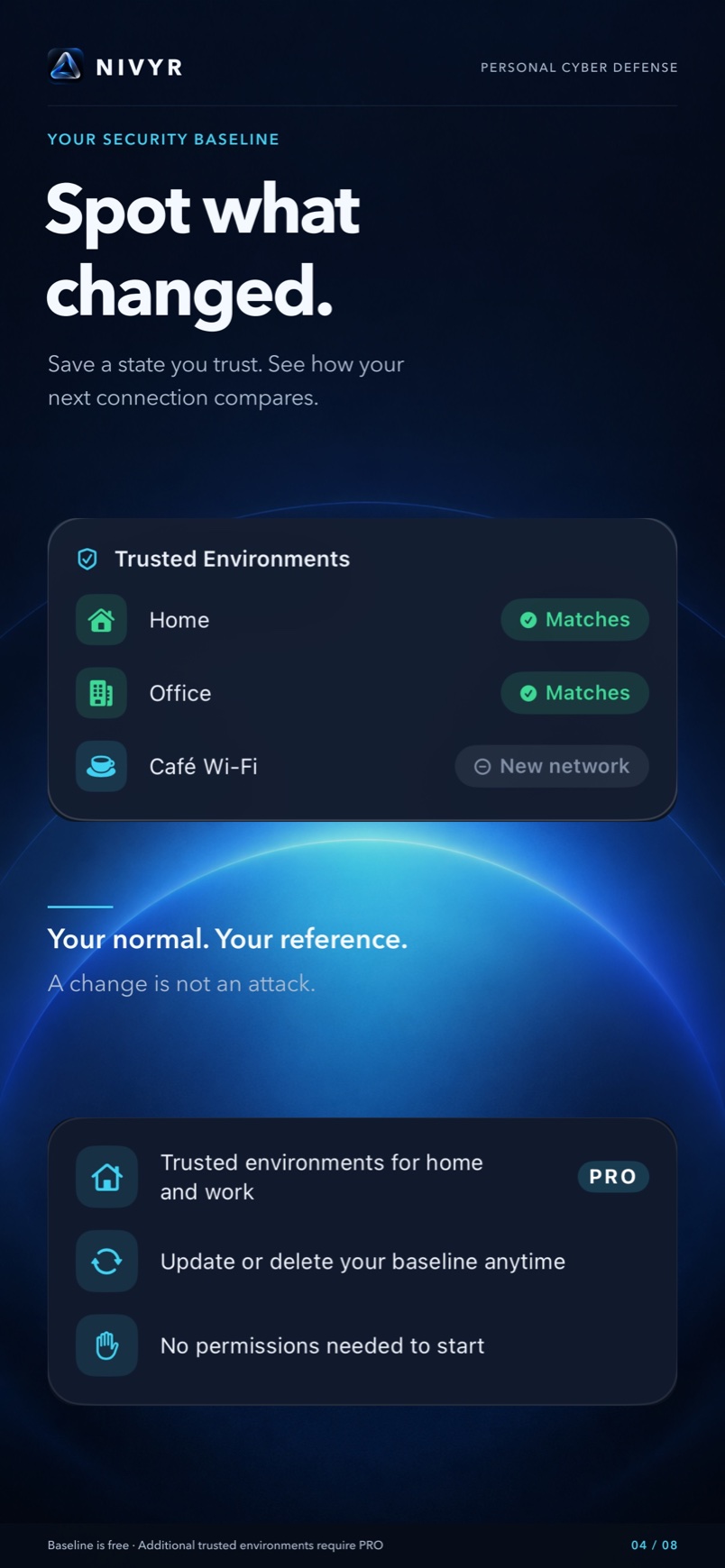
Save a state you trust as your Security Baseline. Compare later checks with that reference, and update it when your circumstances change.
Example checkYou may have joined a new network. A change alone does not establish an attack.
A change is a reason to look closer. It is not, by itself, an attack.
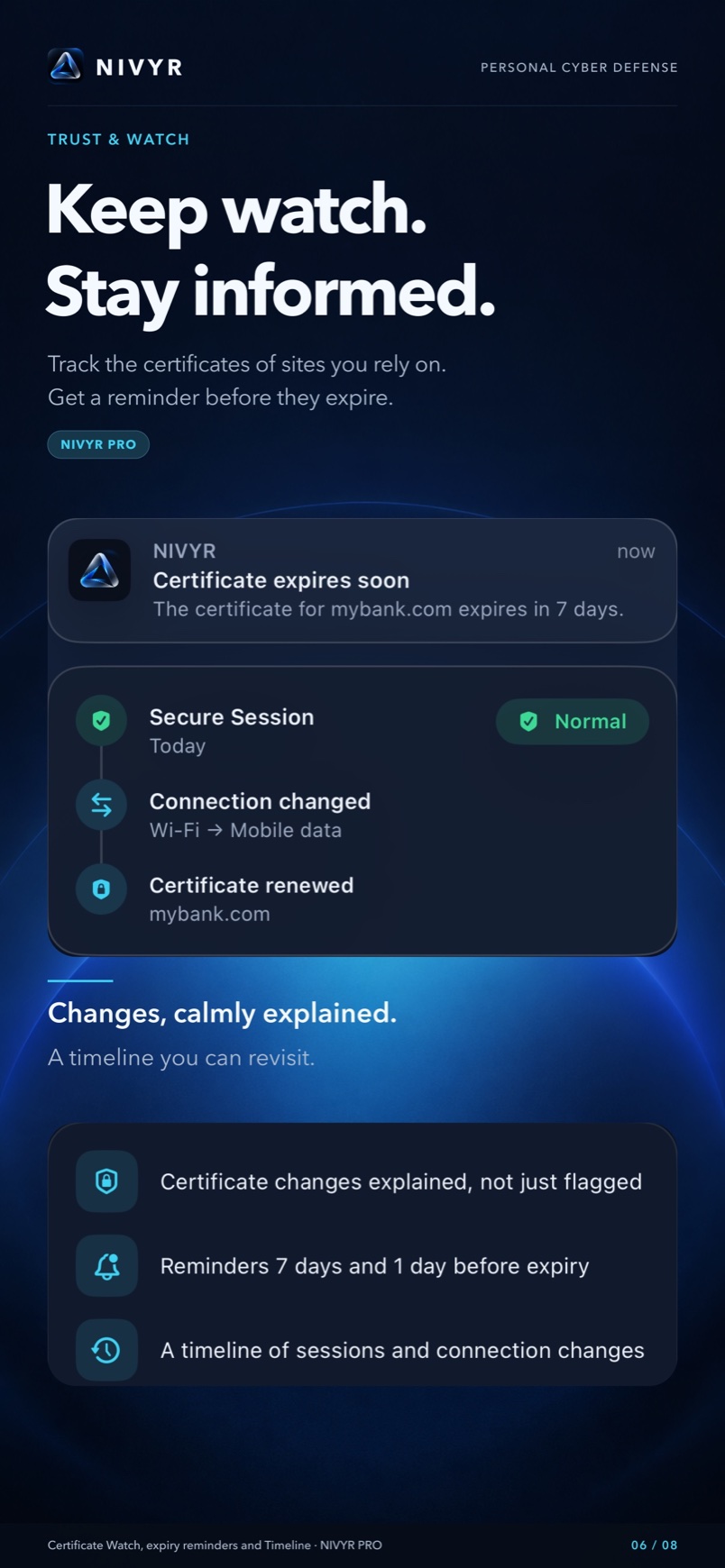
Follow certificates for up to 20 sites, with reminders before they expire. A focused way to keep an eye on the sites you choose.
03 / Before an important step PRO
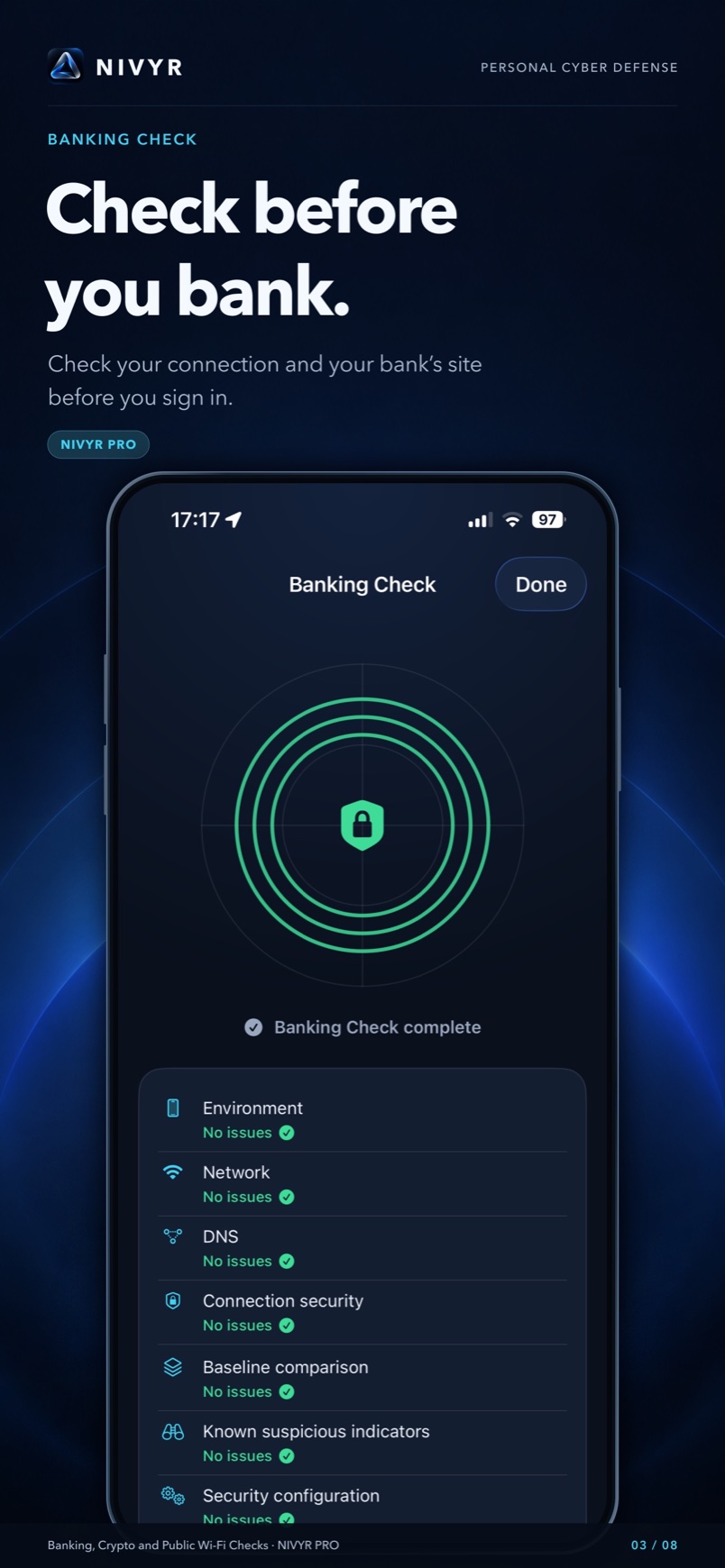
Review the connection and the website you enter before signing in.
Inspect the connection and the website you choose before a crypto action.
Bring the relevant checks together when using an unfamiliar public network.
Banking and crypto checks inspect your connection and the site you enter. They do not verify a transfer or guarantee its safety.
04 / A tool for the moment
Screens are in English. Open an image for a larger view.
Lookalike domains, misleading characters and redirects. Read the address before opening it.
Preview links, Wi-Fi details, payment requests or calls. Recognized content never opens automatically.
Signs of pressure, impersonation and suspicious links in 12 languages. Free heuristics; PRO adds an on-device ML assessment.
Issuer, expiry date and the iOS trust-validation result.
Review your current connection and compare it with your baseline.
Save a state you approve as a reference for later checks.
Supported formats: type mismatches, macros, links and external content. Not a malware scanner.
Read metadata and make a clean copy without location or other metadata. The original stays intact; this does not guarantee anonymity.
Compare a copied crypto address with Saved Addresses and look for suspicious similarities. You initiate every read; no background monitoring.
Compare a file with a published checksum. A match confirms correspondence, not file safety.
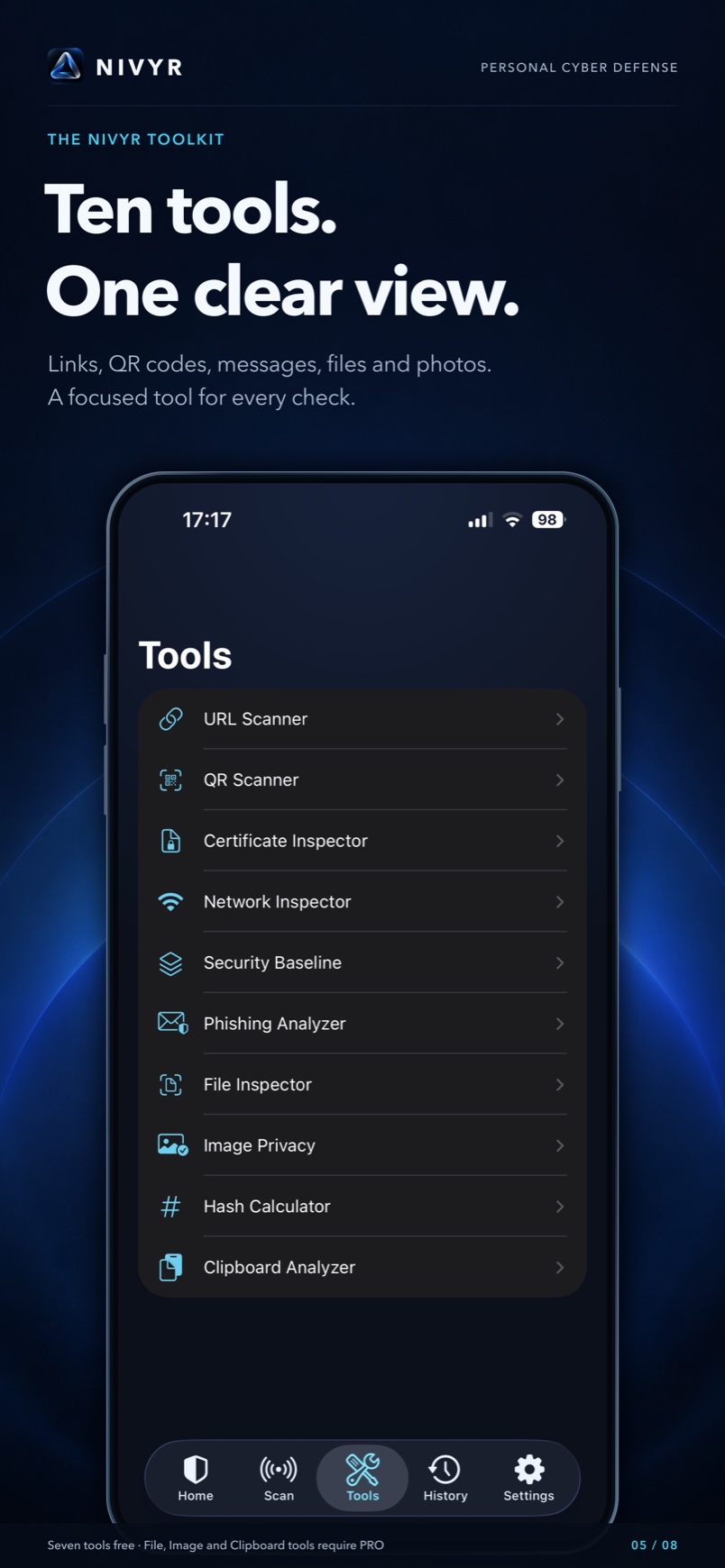
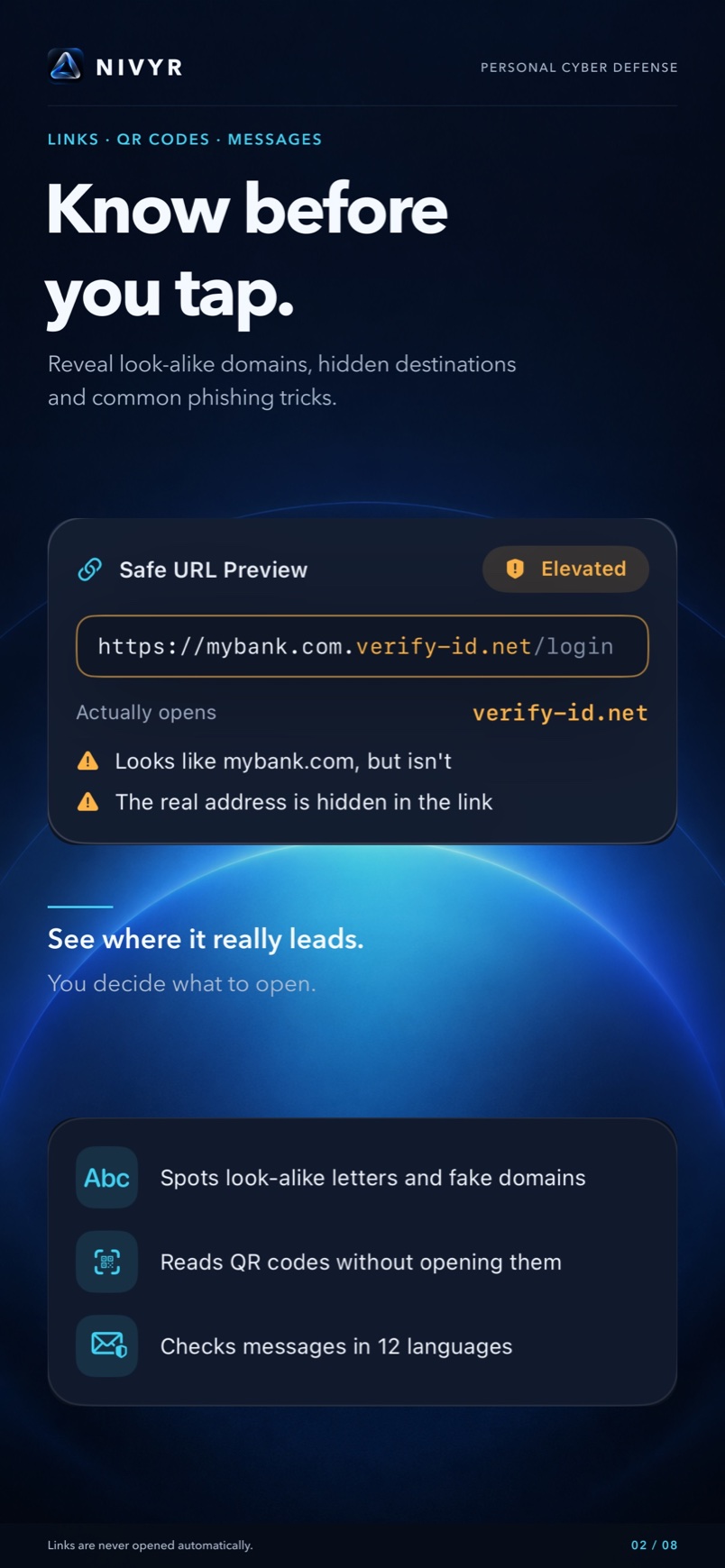
Image Privacy creates a cleaned copy. Your original stays exactly as it was.
Location · camera · date
Metadata removed
Read metadata and make a clean copy without location or other metadata. The original stays intact; this does not guarantee anonymity.
05 / Right where you need it
Send a selected link, text, photo or file to NIVYR through the standard share menu in Safari, Messages, Mail or Files. You choose what to check.

06 / Your data, explained
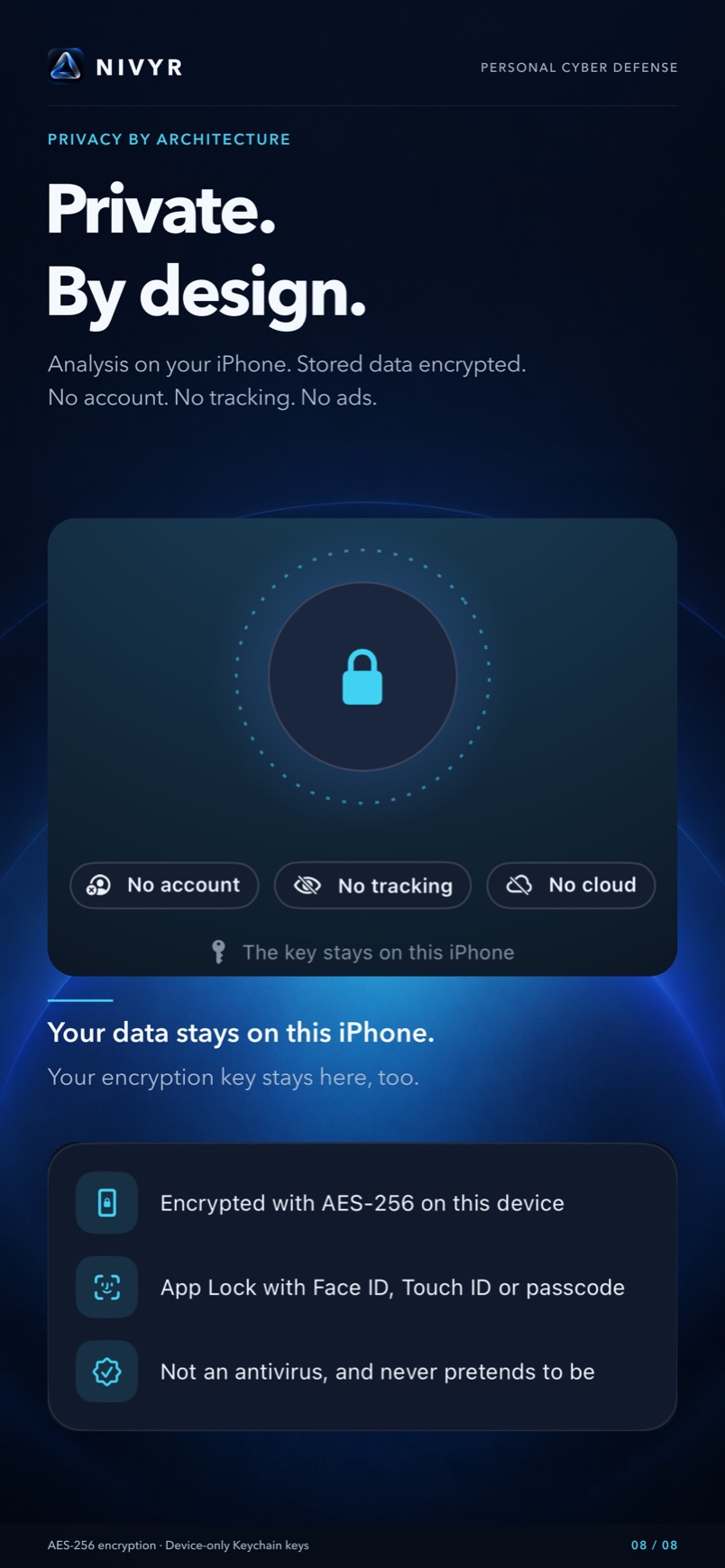
Messages and files are analyzed on your device, not uploaded to an analysis service. No account, advertising or tracking.
Stored security data is encrypted. Keys stay in your device’s Keychain.
Lock the app and hide its contents in the app switcher.
Only the data you select is submitted for analysis.
Online checks contact the websites being checked directly. DNS checks also contact control sites. Quick Scan makes no internet requests.
07 / Start with clarity
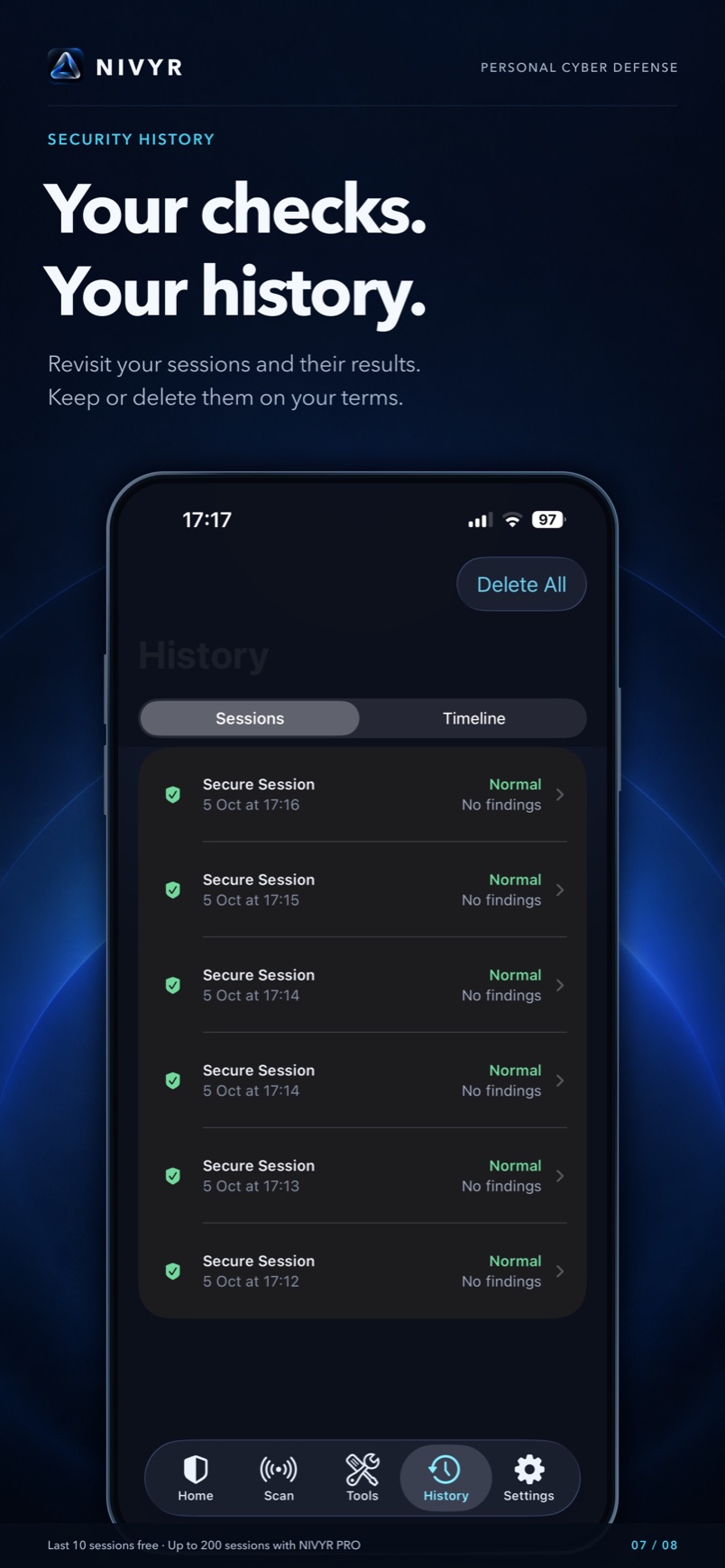
Revisit your checks and their results. Keep or delete your history on your terms.
Prices vary by country. The App Store shows your current local price. Purchase PRO inside the app through the App Store.
No. It helps you inspect selected content and available iOS signals. It does not scan other apps or all system processes.
The 0–100 score helps prioritize findings. Read their severity, confidence and recommendations; the score is not a percentage chance of being hacked.
Quick Scan makes no internet requests. Message and file analysis runs locally. Online website and DNS checks require a connection.
Messages and files stay on your device for analysis. Online checks contact the sites being checked; DNS checks also contact control sites.
Free includes unlimited Quick Scan, one Full Secure Session every 7 days, seven tools and 10 recent sessions. PRO adds unlimited full sessions, specialized checks, certificate watching, Security Timeline, local AI, three more tools, 10 trusted environments and up to 200 sessions.
No. All four purchase options unlock the same PRO features. Lifetime is a single payment with no recurring charges.
Yes. NIVYR is designed for iPhone and iPad running iOS 18 or later.
English, Ukrainian, Russian, German, French, Spanish, Italian, European Portuguese, Dutch, Japanese, Korean and Simplified Chinese.
NIVYR
Check. Compare. Understand. Then decide.
Coming soon to the App Store